Your dev servers and AI agents,
one click away.


See what’s running, what needs you and what’s left behind.
Then handle it from one panel in your menu bar.
Pay once, no subscription. 14-day money-back guarantee.


Works with the tools you already use
- Claude Code
- Codex
- Cursor
- Next.js
- Vite
- Hono
- Storybook
- Bun
- Deno
- Astro


Know what every
agent is doing.
Every Claude Code, Codex and Cursor session, named by its task. Catch the one waiting on you before it sits idle, and see your limits before you hit them.
Named by the task
Not by a process id or a terminal tab.
Waiting on you comes first
A session that needs an answer jumps to the top.
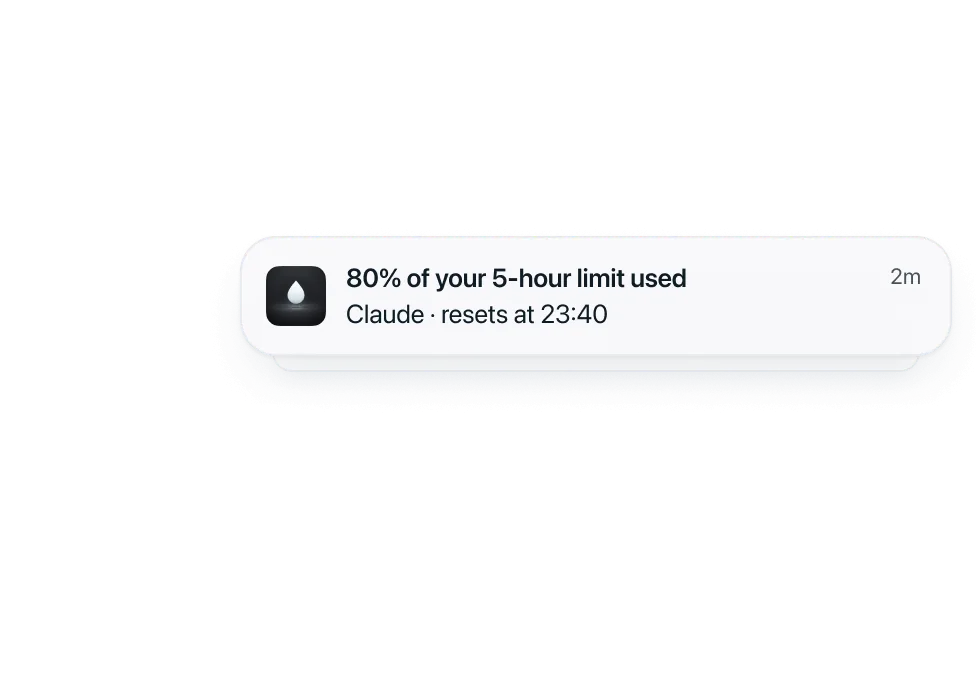
Limits before you hit them
Five-hour and weekly usage, next to the work.
When a session ends,
clear it in one click.
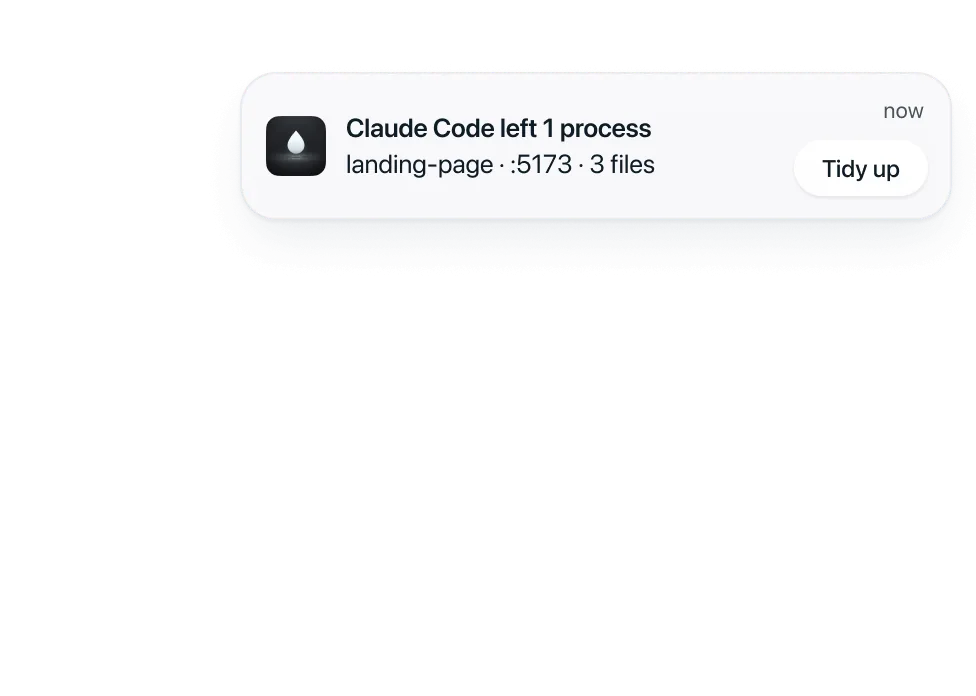
Agents leave servers running, ports taken and gigabytes of worktrees and caches behind. Mizu finds what a finished session left and gives the space back.
Only what that session started
Your own servers and files stay put.
See it before it goes
Every item is listed, so nothing goes by surprise.
Uncommitted work is kept
A worktree with changes is never removed.
Build the panel
you actually need.
Servers, agents, workspaces and Claude limits, as widgets in three sizes. Keep what you check every day, drop the rest.
Drop widgets side by side to group them.Hold a widget, then drop it beside another.
The little things, done right.
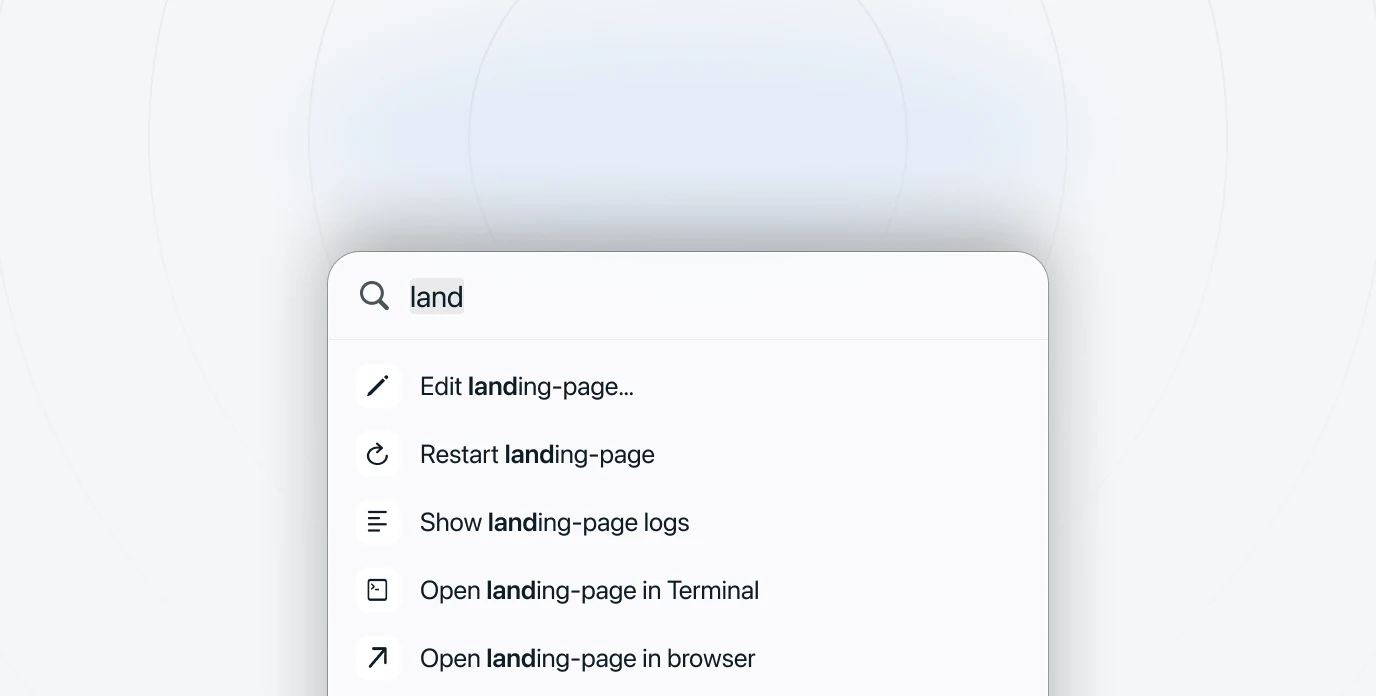
Every project, one shortcut away.
Press ⌥ Space to open, restart or stop anything you’re running. Your hands never leave the keyboard.
Every server gets a real name.
landing.localhost instead of :3000. No more guessing which port is which, or which tab is which app.
Catches what you’d miss.
A server left running, a usage limit almost spent. You hear about it once, quietly, while there’s still time to act.
Private by design.
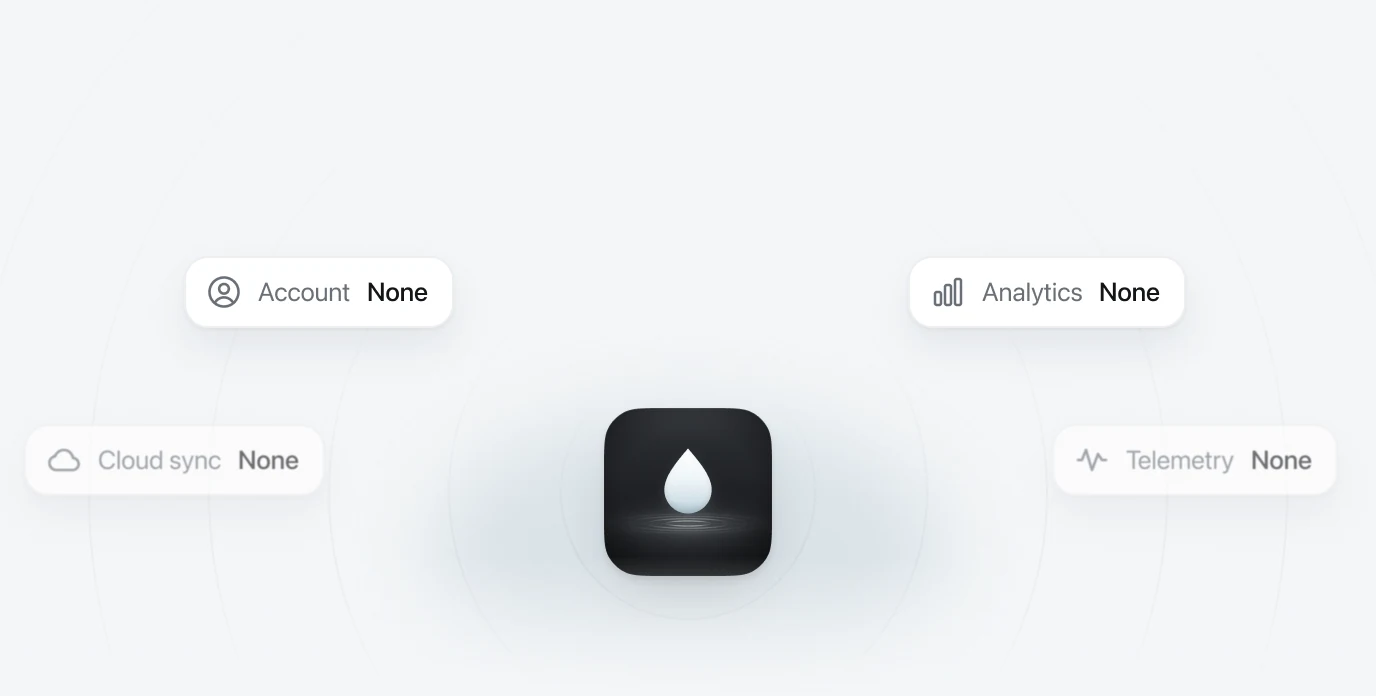
No account, no analytics, nothing synced. Mizu only checks your licence and looks for updates, and reads claude.ai if you connect it.

Early bird: $10 off every licence
Pay once. Keep it.
No subscription. Every licence has every feature and a year of updates, and Mizu keeps working for good after that.
Mizu Pro for 1 Mac
$19was $29one-time
 Every feature, nothing held back
- A year of updates included
- Renew for $15 only if you want more
- 14-day money-back guarantee
14-day money-back guarantee. Checkout by Paddle, your key arrives by email. Prices in USD, taxes at checkout.
Good to know.
Something else? Write to volkan@uikielle.com.
Does macOS let Mizu open?


What happens after the year of updates?
Can I move Mizu to a new Mac?
Does Mizu send anything about me?
What if Mizu isn’t for me?