Getting started
Mizu lives in your menu bar as a small drop. Click it and the panel opens under it with your servers, agents and what they left behind.
Install
Open the downloaded file and drag Mizu to Applications. Mizu is sold directly, not through the App Store, so macOS asks once before the first launch.
- Step 1: Open Mizu from Applications. macOS stops it once.
- Step 2: Open System Settings › Privacy & Security.
- Step 3: Click Open Anyway, then Open. Updates never ask again.
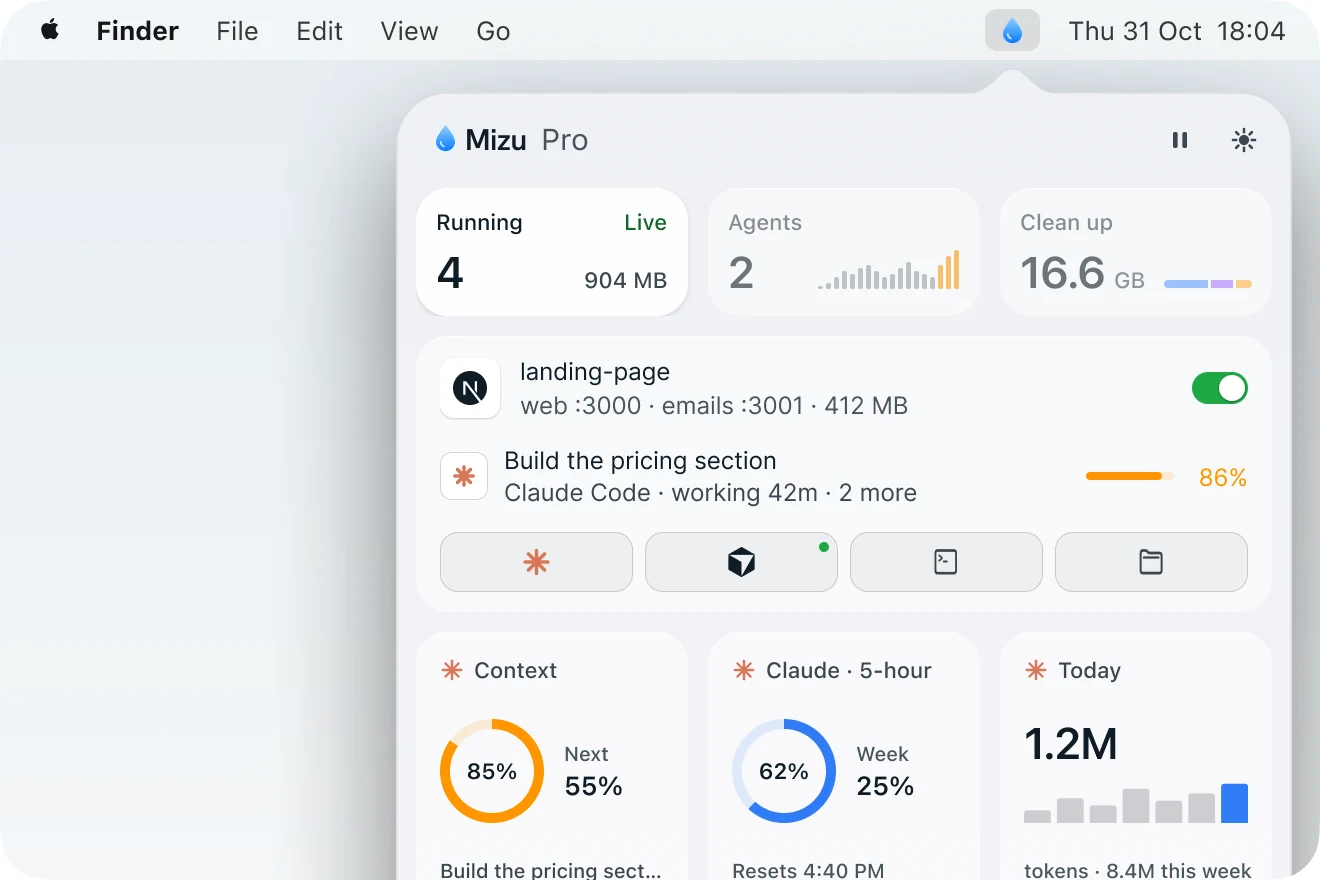
Open the panel
Click the drop. The top row counts what’s running, your agents and what you can clean up; the widgets below show the rest. Click the drop again, or anywhere else, to close it.